To manage the Order settings for your V-Commerce store, take the following steps:
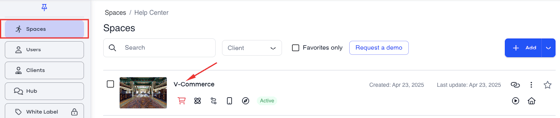
1. Spaces > Select the tour
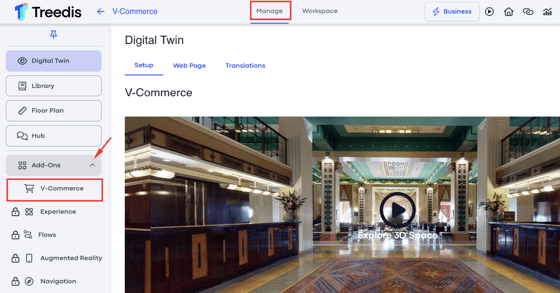
2. Manage > V-Commerce
3. Orders
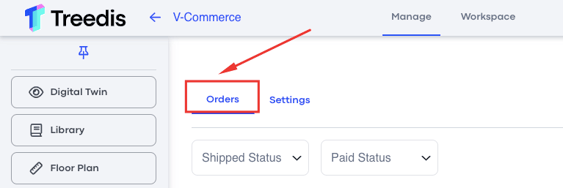
Orders Tab Settings
Shipped Status: the dropdown menu allows you to filter your orders according to whether they have been shipped or not. 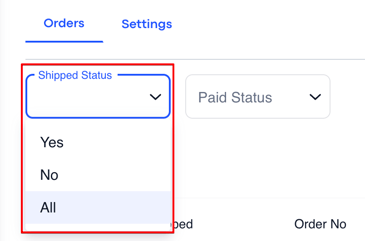
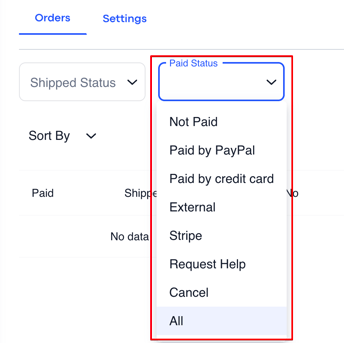
Paid Status: the dropdown menu allows you to filter your orders according to various payment statuses.
Sort By: once you have data for the aspects listed below, this is where they will be displayed.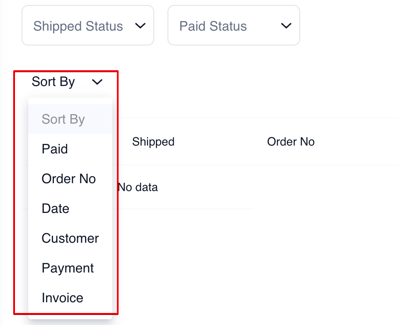
Download: you can download this data as a CSV file.
