You can easily embed your tour directly into your website.
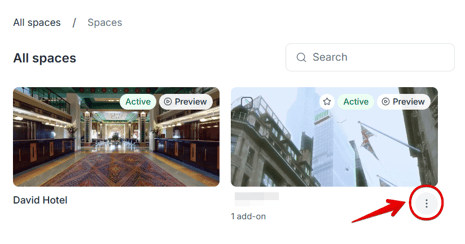
In your list of tours, hover over the tour you want to embed and click the three-dot menu:
Select Copy Embed Code from the menu:
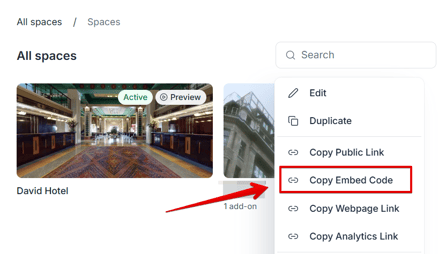
Your embed code will be copied to your clipboard.
That's it! You can now paste the copied embed code into your website wherever you want the tour to appear.
If you have further questions or need assistance with the settings, please contact us at support@treedis.com